Create server
 Promote server
 Add server
 Login
LoginUpdating World Icon [1.21.3] [1.21.2] [1.20.1] [1.19.4] [1.18.2]
Description
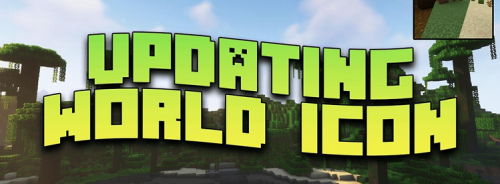
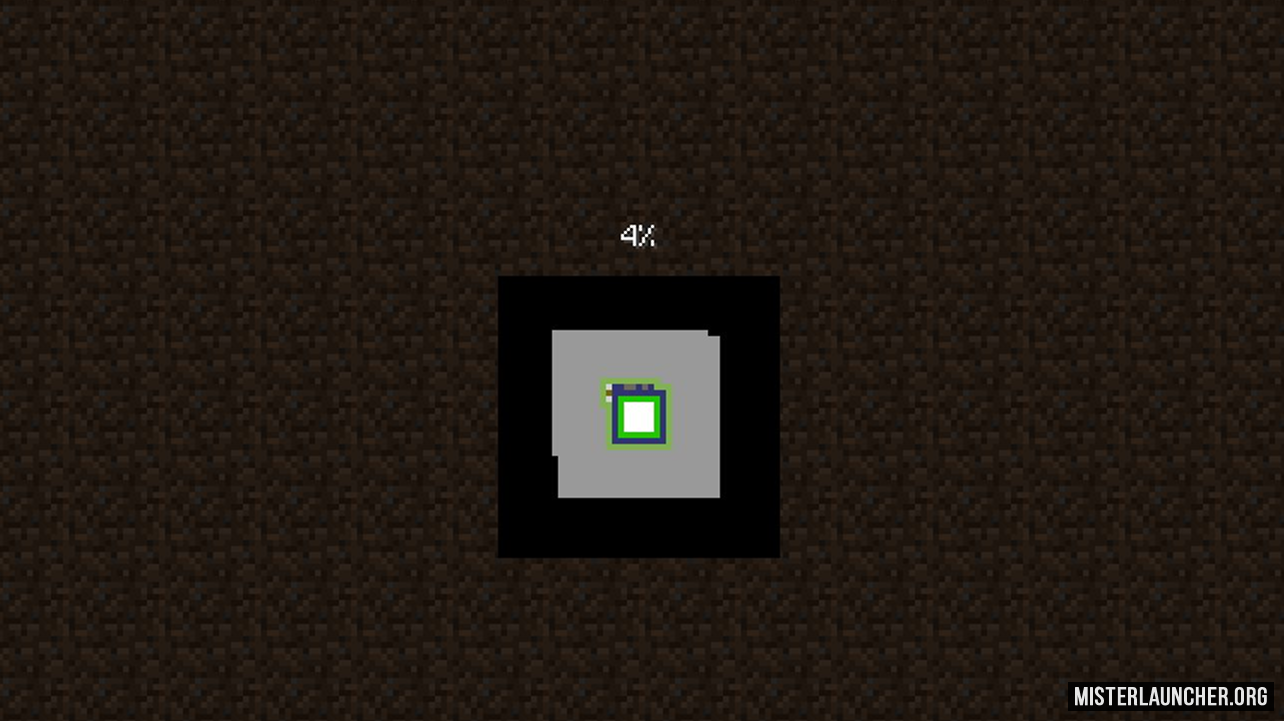
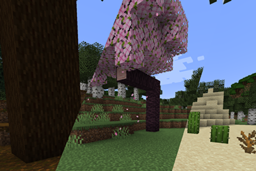
Updating World Icon kills the boredom of static menus! This genius QoL tweak makes your singleplayer world icon regenerate every single time you load in, replacing that one frozen, day-one snapshot forever. I watched my world list evolve from a clunky gallery of dirt huts into a dynamic, living timeline of my builds. No more "placeholder" vibes – your menu finally reflects your actual progress! It’s lightweight, seamless across Fabric, Forge, and NeoForge, and honestly, once you see your icons shifting with your saga, vanilla feels broken without it. Pure menu bliss!
Screenshots
How to install Updating World Icon
- Download and install Minecraft Forge / Fabric / NeoForge
- Download and install Fabric API
- Download the mod
- Without unpacking, copy to .minecraft\mods
- Done
 Download now
Versions:
Loader:
| MC version | Modloaders | Link | Downloads | Size | Date |
|---|---|---|---|---|---|
| All versions |
 Download
|
300 000 | 2.3 MB | 14 october 2026 | |
|
1.21.3
|
Fabric |
Download
|
42 | 0.9 Mb | 17 july 2025 |
|
1.21.2
|
Fabric |
Download
|
31 | 0.9 Mb | 16 july 2025 |
|
1.21.1
|
Fabric |
Download
|
29 | 0.9 Mb | 15 july 2025 |
|
1.21
|
NeoForge |
Download
|
38 | 0.9 Mb | 15 july 2025 |
|
1.20.1
|
Fabric |
Download
|
35 | 0.9 Mb | 09 july 2023 |
|
1.19.4
|
Forge |
Download
|
33 | 0.9 Mb | 15 july 2023 |
|
1.18.2
|
Forge |
Download
|
33 | 0.9 Mb | 16 july 2023 |


Similar mods


Comments (0)
Login or Create account to comment.


 Verified VirusTotal
 Write to us
 Go to FAQ




 Play on the server
 Игра запускается... Перейди в лаунчер