Download the launcher, install mods, skins and capes in one click. Play on any servers. And free skins and capes will make you stand out in the game among your friends!
Download the universal installer, suitable for all processor types and Windows versions. It will automatically download the necessary components and launch OneLauncher without any additional steps on your part.
Before downloading, determine your Mac's architecture—this will help you choose the right version of OneLauncher. Open the Apple menu and select \"About This Mac,\" where the \"Chip\" line will show the processor your device uses. That's all you need to begin the installation!
Choose the launcher version that's right for your system, considering your processor architecture and the distribution you're using. Before installation, make sure you have all the required dependencies installed. Instructions for installing the launcher are included in the archive.


 Create server
 Promote server
 Add server
 Login
Login


 Verified VirusTotal
 Write to us
 Go to FAQ

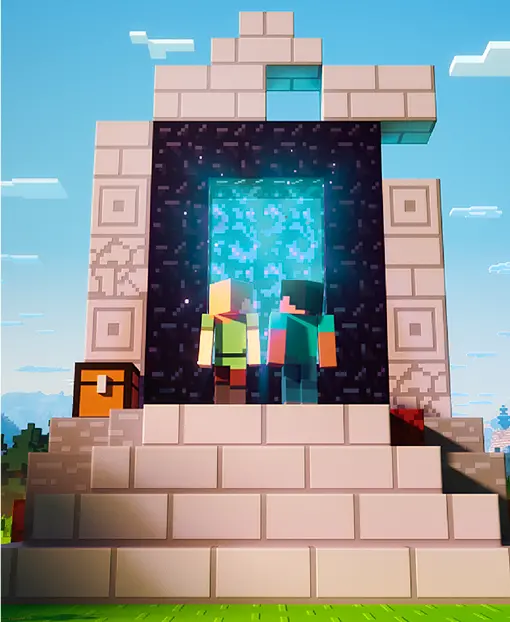



 Play on the server
 Игра запускается... Перейди в лаунчер